
Checking Criminal History in St. Cloud
Choose the first office by record type. St. Cloud Police holds city incident reports and provides local law-enforcement checks. Osceola County Corrections holds booking and present-custody data. The Osceola Clerk holds filed misdemeanor, criminal-traffic, and felony cases. FDLE adds reported Florida criminal history.
No single St. Cloud search combines all four layers, so record the source and date for each result.
Write down the legal name, former names, date of birth, incident number, report date, and arresting agency before searching. A case number is the best court key. These identifiers keep St. Cloud records from being confused with records from unincorporated areas that use a St. Cloud mailing address. The agency field, not the postal city alone, determines where a police report should be requested.
- Ask St. Cloud Police for its local records check when city police contact is the focus.
- Request the police report with an incident number, date, location, involved names, and exact media sought.
- Search Osceola County Corrections for a recent booking or current custody.
- Open the Osceola Clerk docket to confirm charges, events, disposition, and available documents.
- Use FDLE CCHInet or fingerprint-based Personal Review when the question reaches beyond St. Cloud.
St. Cloud's $10 Record Check
The St. Cloud Police Department states that local law-enforcement records checks are available Monday through Friday, 8 a.m. to 6 p.m., for $10. This product is local. It is not an Osceola court search, a Florida criminal-history search, an FBI identity history, or proof that no warrant exists.
Bring government photo identification and confirm which subject identifiers the counter requires. A name and date of birth can narrow a match, but a name result is not fingerprint identification. Current procedures should be confirmed directly because fees and counter operations can change.
The city check is best used to review St. Cloud Police contact. It will not show every matter from the Sheriff's Office, Kissimmee Police, another county, or a federal agency. If the check is for your own record and a possible match is unclear, compare the city response with the Osceola Clerk docket and use FDLE's fingerprint-based Personal Review for the state layer.
The St. Cloud Police Department
St. Cloud Police maintains reports created by its officers. Give the report or incident number when known. A date and time, location, names, and a clear description of the requested record or media help staff find it. The department is associated with the Public Safety complex at 4700 Neptune Road, St. Cloud, FL 34769. Use its official directory to confirm the current records contact.
Active-investigation material, juvenile information, victim data, body-camera footage, 911 audio, and protected identifiers may require redaction or may be exempt. Ask for segregable public portions, which are parts that can be released after protected content is removed. Email sent to a Florida agency may itself become a public record.
Inspection and copies are different requests. State whether an electronic file, paper copy, audio, video, or in-person inspection is wanted. Ask staff to identify the legal basis for any withheld part and to release the nonexempt remainder. A focused date range and clear media description can reduce search time and cost.
St. Cloud Police Copy Costs
St. Cloud states that a report request exceeding 19 pages costs $0.15 per page. Ask whether inspection or electronic delivery meets the need, and request an estimate before authorizing a large search or media review.
| City Service | Published Detail |
|---|---|
| Local law-enforcement record check | $10 |
| Request over 19 pages | $0.15 per page |
| Large or complex request | Ask for a written estimate |
Note: A local police check covers St. Cloud Police records, not every Osceola County or Florida justice record.
St. Cloud Arrests and Bookings
St. Cloud arrestees are generally processed through Osceola County Corrections at Simpson Road rather than held on a separate long-term city jail roster. Temporary police holding or transport is not the same as county correctional custody. The county creates the booking profile after intake.
Check Daily Arrest Reports for a known booking date. Search the Current Inmate Population for present custody. The live list updates several times daily and removes people after release on a later update. The city police report remains with St. Cloud, while booking belongs to Corrections. The arresting-agency field confirms who owns the narrative.
A booking entry lists allegations received at intake, not a final judgment. After release, the current roster may return no result even though the St. Cloud report and retained booking record still exist. Search the report date, request the Corrections record, and then check the Clerk. A missing live roster entry should never be described as proof that no arrest occurred.
St. Cloud Arrest Record Route
A city arrest creates a chain: St. Cloud Police contact › Simpson Road booking › initial appearance › State Attorney review › Osceola Clerk case. Police describe the event. Corrections records intake, fingerprints, charges sent to the jail, bond, and custody. Prosecutors decide what to file.
This sequence explains why a new St. Cloud arrest can appear in a daily report before any court case is searchable. It also explains why the booking charge may not match the filed count. The Osceola County arrest lookup gives more depth on county channels.
Initial appearance addresses probable cause, release, and conditions. It is not the final outcome. The State Attorney may change an initial allegation, decline it, or file another count. Once a case exists, use the Clerk's event list and disposition fields. The city report remains useful for the event narrative, but it does not prove what the court decided.
St. Cloud Municipal Court Records
St. Cloud does not operate a separate constitutional municipal criminal court. City ordinance and code issues may use city administrative processes. State misdemeanors and criminal traffic cases go to Osceola County Court, while felonies go to Circuit Court. Search the Osceola Clerk instead of looking for a city criminal docket that does not exist.
| Court Name | Osceola County Court for misdemeanors and criminal traffic; Circuit Court for felonies |
|---|---|
| City Matters | Ordinance and code proceedings may remain in city administrative channels |
| Case Lookup Channel | Osceola Clerk Search Court Records or criminal records counter |
| What the Docket Shows | Case number, counts, events, hearings, disposition, and eligible images |
| Copies & Fees | Free online search; request, copy, and certification fees may apply |
When St. Cloud Checks Miss Cases
A city check can miss an Osceola case created by the Sheriff, Kissimmee Police, another Florida agency, or a court event not held in St. Cloud Police files. Search the Osceola Clerk portal by legal name and, when possible, case number. Former names and middle initials can matter.
If the event is in another Florida county, use that county's clerk and agency channels. FDLE CCHInet provides a paid statewide name search, while FDLE Personal Review supports fingerprint-based inspection and correction of your own record. No-result screens can reflect restricted records, mismatched identifiers, delay, or limited scope.
When your own record appears wrong, send the correction to the source that created the entry. St. Cloud Police handles its report, Corrections handles booking data, the Clerk handles its docket, and FDLE handles the statewide history. A certified court disposition may be needed to resolve a missing final outcome. Keep copies of the request and response.
Where St. Cloud Records Go
St. Cloud Police keeps the local report, but fingerprints and charge data move through Florida's criminal-justice network. County Corrections handles booking. The State Attorney chooses filed counts, the Clerk records the case, and dispositions are later reported to FDLE.
Record flow: St. Cloud Police Department › Osceola County Courts › Florida Department of Law Enforcement, Criminal Justice Information Services
For a recent event, start with city police and county booking data. For the filed outcome, use the Clerk. For reported statewide history, use FDLE. These sources update at different times, so note each inspection date.
FDLE CCHInet charges $24 plus a $1 card processing fee for an Internet name search. It compiles reported Florida information and is not a transcript of every St. Cloud pleading. The Osceola Clerk provides richer local case events. A fingerprint-based self-review offers stronger identity proof than either name search.
St. Cloud Growth and Records
The Census Bureau estimated St. Cloud at 71,036 residents on July 1, 2024, up 20.5 percent from the April 2020 estimate base of 58,974. St. Cloud is Osceola County's second and only other incorporated city. It began as a community associated with Union veterans and has changed with fast Central Florida growth.
Growth and annexation make raw crime counts easy to misread. Compare the same area, reporting method, and time period. A city police annual total is not a county booking total because Corrections receives people from several agencies. Use an official St. Cloud Police annual or statistical report and state its exact year and definition.
Population change can increase raw call and report volume even when the rate per resident moves differently. Annexation can also change which incidents fall within police jurisdiction. For a fair comparison, record the source, calendar year, population base, offense definition, and whether the agency reported a complete period. Do not equate calls, arrests, bookings, filed cases, and convictions.
An assigned official county source is shown below.

County material supplies context, but St. Cloud Police remains the custodian for city-created reports.
St. Cloud Checks Exclude Warrants
A St. Cloud local check does not clear warrants statewide. For an Osceola warrant, use the Sheriff's warrant line at 407-742-6515 and inspect the underlying Clerk docket. Corrections says it cannot perform warrant checks. An FDLE wanted-person search can supplement local verification, but absence from a public search is not clearance.
Own warrant: Verify directly with the issuing court, Sheriff, or counsel. Do not rely on one public database before taking action.
New entries, local-only process, sealed warrants, spelling differences, and update delays can affect results. A capias is a court writ directing custody, often tied to a failure to appear or violation.
St. Cloud Criminal Access Rules
Florida's Constitution and Chapter 119 support inspection and copying of local public records, subject to exemptions. A requester need not explain a purpose. St. Cloud may redact active-investigation details, protected victim or juvenile data, medical information, and confidential identifiers. Court remote access can also be narrower than counter access.
Key Statutes:
Florida Public Records Law, Chapter 119 requires access at reasonable times while preserving exemptions.
Florida Statutes section 943.053 governs state criminal-history dissemination.
Florida Rule 2.420 governs public and confidential court records.
An assigned federal court-record source appears below. Federal cases are separate from St. Cloud and Osceola trial records.
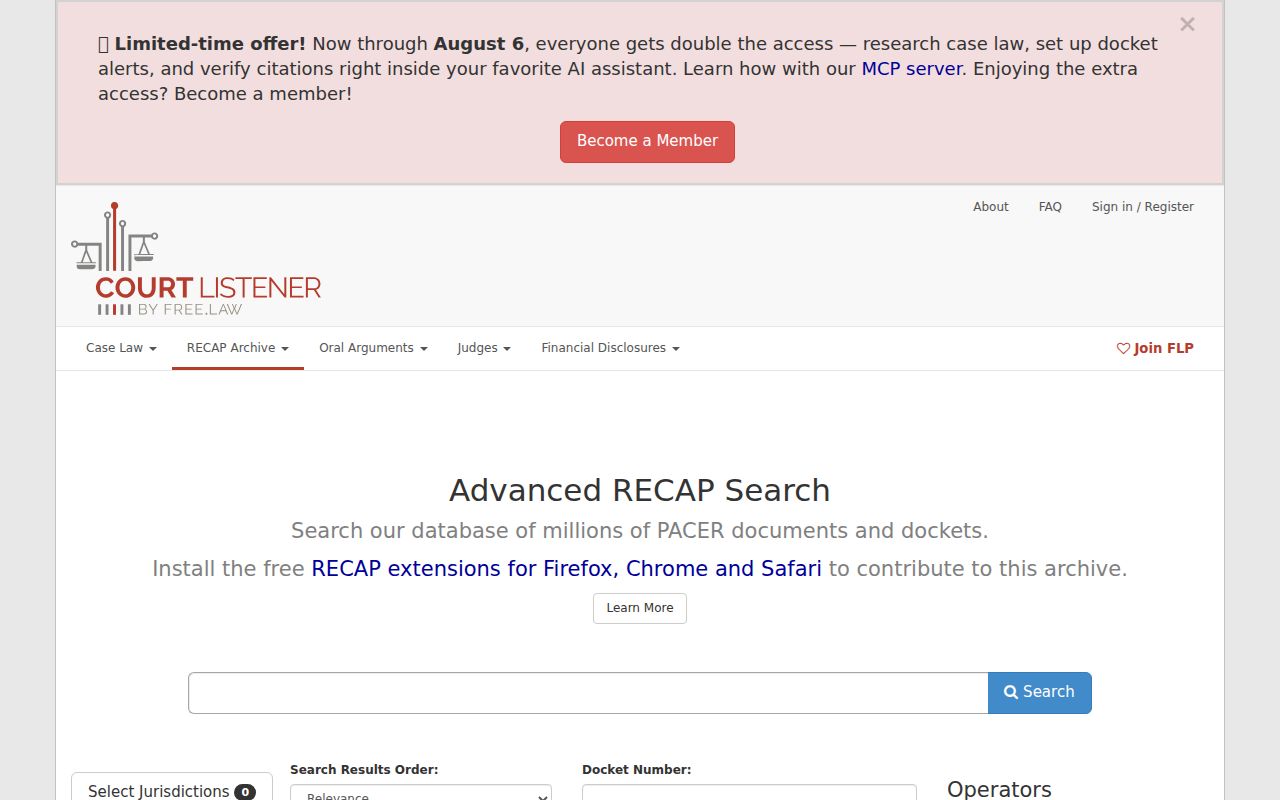
Use the federal layer only for a federal matter; city and county cases remain in local official channels.
An assigned Florida registry source also demonstrates that subject-specific state systems stand apart from a city police check.
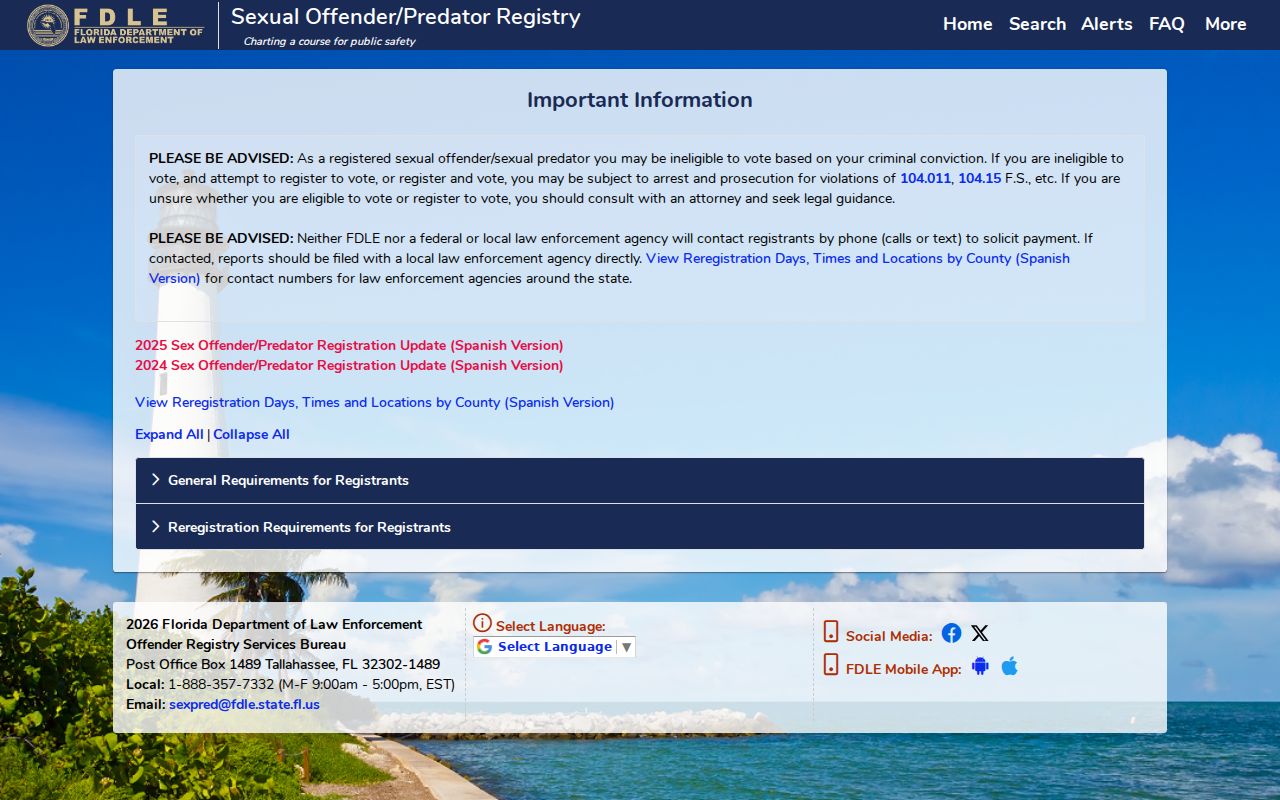
Registry information serves a distinct statutory purpose and is not a complete St. Cloud criminal history.